




























Steal a Brainrot - Private Server Guide Overview
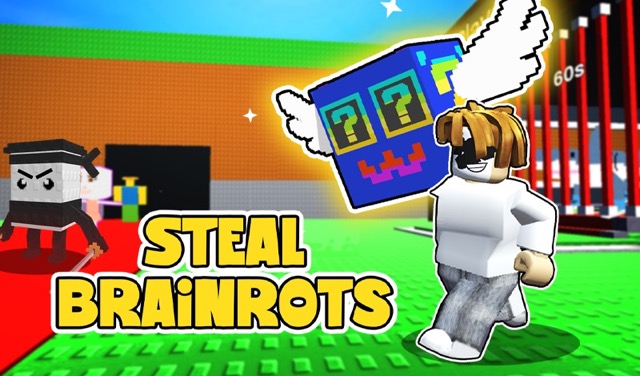
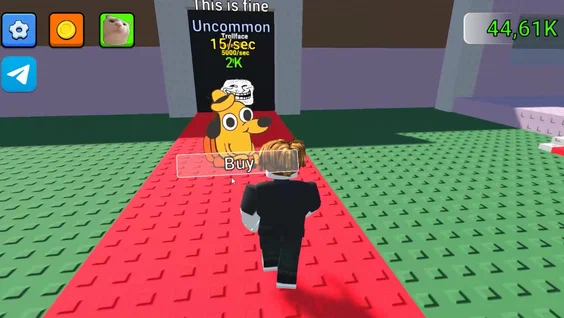
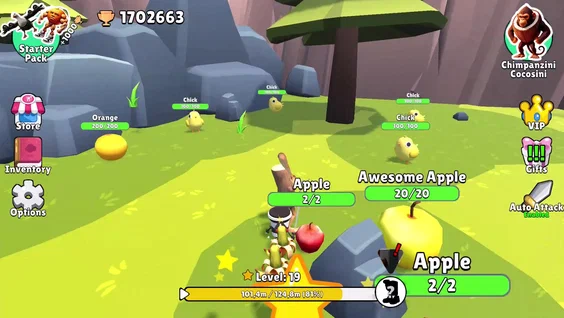
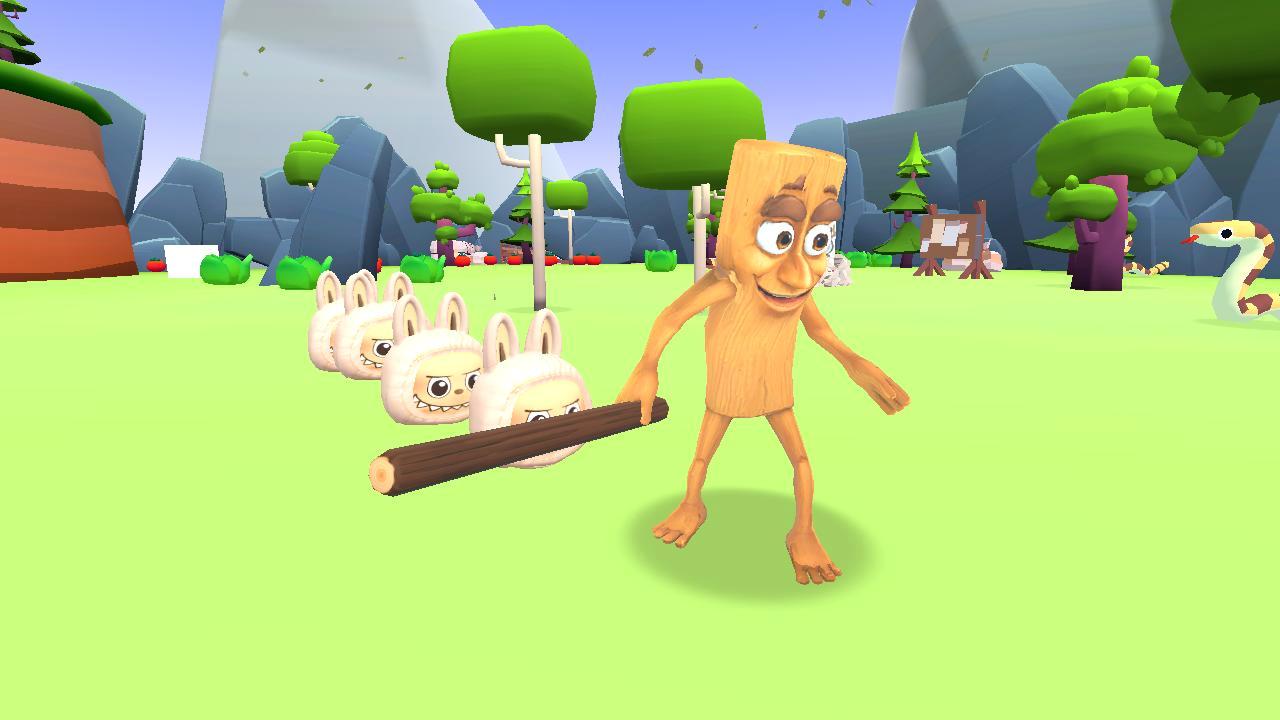
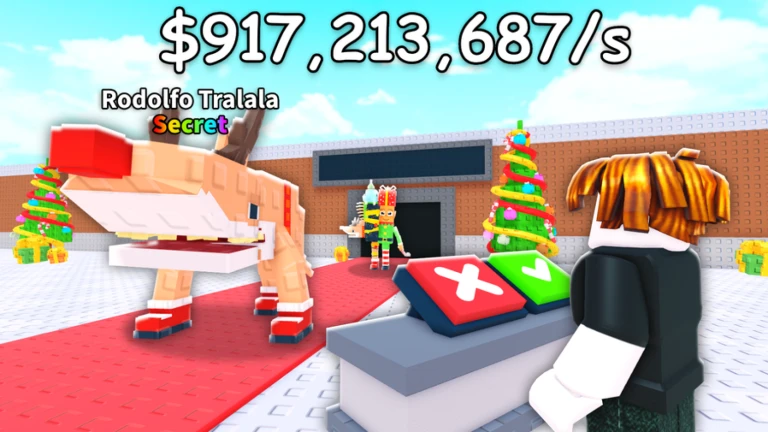
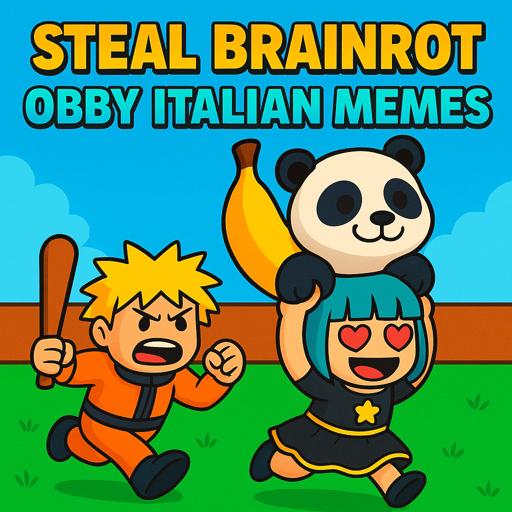
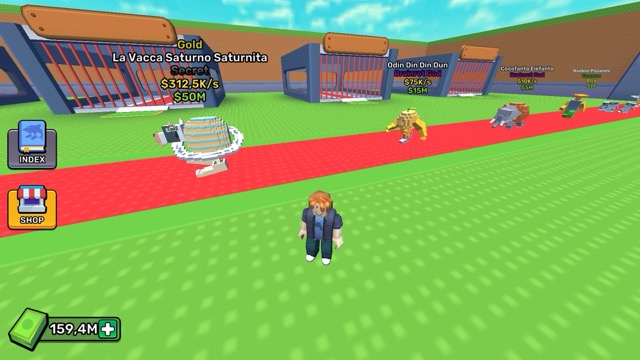
Steal a Brainrot is a popular Roblox tycoon-style game where players steal, collect, and farm rare "Brainrots" (meme characters) to build production bases, unlock mythical rarities, and compete on leaderboards, with private servers enabling safe farming without random player interference.
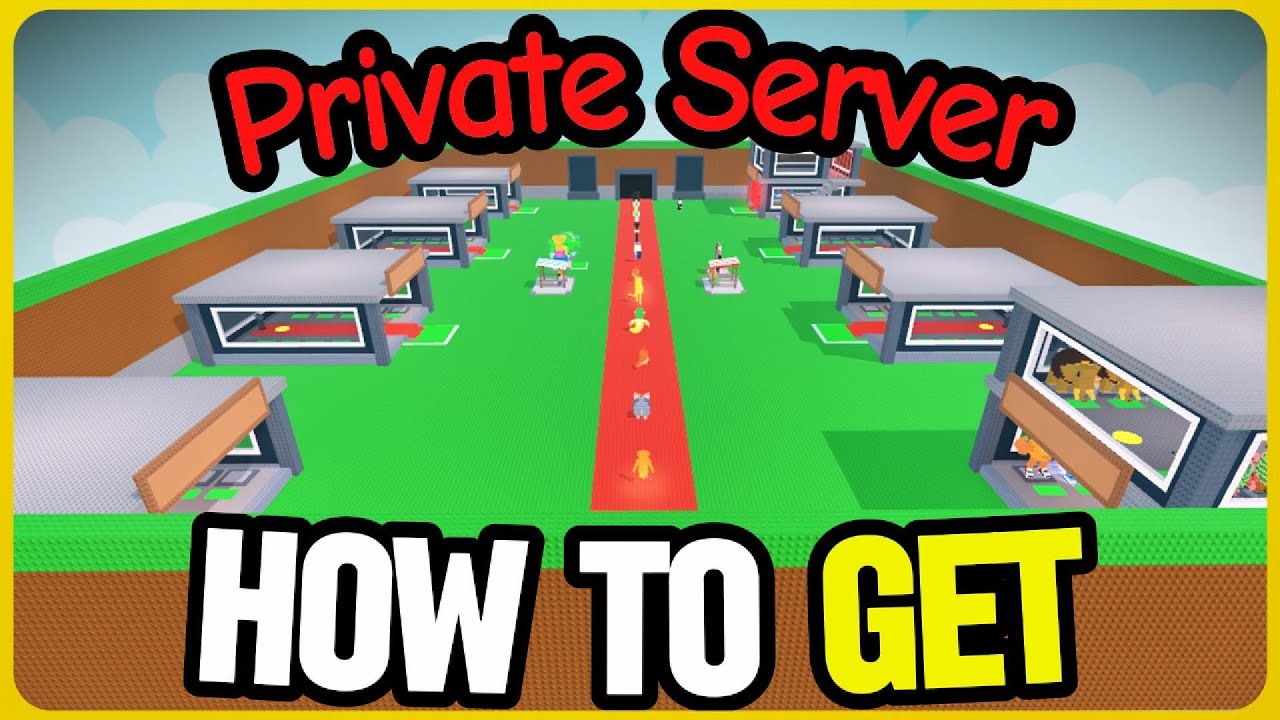
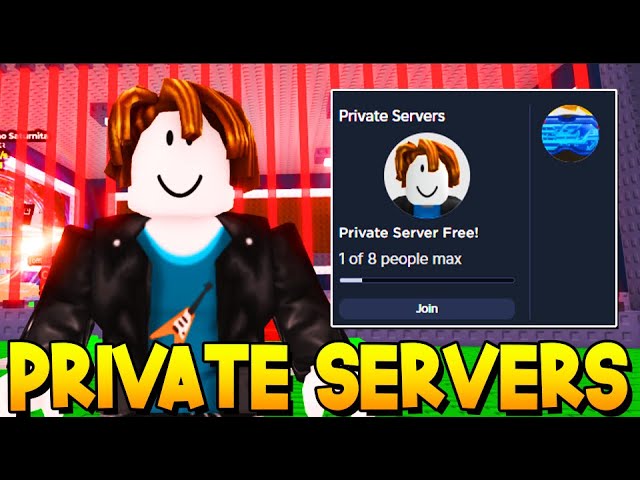
Private servers cost 79 Robux per month, support 8 players max, and provide identical gameplay to public servers but with full access control to prevent stealing from your base.
Steal a Brainrot - Private Server Guide Game Information
- Game Title: Steal a Brainrot
- Game Type: Roblox / Browser Game
- Genre: Tycoon / Collection / Multiplayer
- Players: Multiplayer (Public or Private: max 8)
- Controls: Mouse / Keyboard / Touch / Controller
- Private Server Cost: 79 Robux/month
- Number of Plays: 50M+ visits
What Are Private Servers in Steal a Brainrot?
Private servers let you farm mythical Brainrots safely without random players raiding your base. They offer no gameplay differences-same spawn rates, item prices, and mechanics as public servers-but give complete control over who joins.
Key Benefits:
- Secure base building and farming
- Invite only trusted friends (max 8 players)
- No interruptions during grinding sessions
- Same Brainrot rarities and progression
Sessions in private servers enable focused play without the need for constant vigilance against thieves.
How to Get and Join Private Servers Method 1: Buy Your Own (79 Robux/month) Open Steal a Brainrot on Roblox. Scroll to Socials section. Click Create Private Server. Pay 79 Robux and customize name. Generate and share your private link. Renew monthly to maintain access.
Method 2: Use Free Shared Links
Active working links (January 2026):
- Link 1: Host Misz
- Link 2: Host ProGod
- Link 3: Host Monkey 16
- Link 4: Host CoolKid
- Link 5: Host Reaper
- To Join Any Link:
Click the server link (PC/mobile). Auto-joins if available.
- Console: Get friend invite from PC/mobile user.
- Warning: Avoid untrusted servers to prevent stealing exploits like "block method" or "Troll Moreira Method".
Method 3: Free Access via Community Giveaways Some creators share access to their servers temporarily-check video descriptions for pastebin links.
Private Server Limits & Differences Feature Public Servers Private Servers Max Players Unlimited 8 Brainrot Spawns Same rarity Identical Item Prices Standard No changes Access Control Open Owner/invite only Cost Free 79 Robux/month VIP Perks N/A Exclusive access possible No advantages in luck/spawns; purely for privacy.
Gameplay in Private Servers Build bases, clone into others' plots (ethically with friends), farm Brainrots like Brainrot God (likes-based spawn, disabled in privates), and use gamepasses like Admin Panel (4,999 Robux) or Server Luck x2 (249 Robux).
VIP Benefits (separate purchase): Exclusive Brainrots, faster earnings, private server priority access, event bonuses.
Risks: Exploits exist-only invite trusted players to avoid theft methods like admin abuse or blocking.
Tips for Safe Private Server Play Share links only with friends. Use alt accounts to test invites. Monitor join notifications. Lock bases when AFK. Renew subscription before expiration to avoid data loss.
Is Steal a Brainrot Suitable for Kids?
Rated for general audiences but involves competitive stealing mechanics. Private servers reduce griefing risks.
Can You Play on All Devices? Yes: PC, mobile, console via Roblox app/browser. Private links work cross-platform (console needs invites).
Steal a Brainrot - Private Server Guide Frequently Asked Questions
How much do private servers cost? 79 Robux per month (recurring).
Are Brainrot spawns better in privates? No, identical to public servers.
How many players per private? Maximum 8.
Free private servers real? Shared access exists but owned servers cost Robux; beware scams.
VIP needed for privates? No, but provides perks.
Play More Free Online Games Like Steal a Brainrot - Private Server Guide
Explore similar Roblox tycoons and collectors on stealbrainrot.app for uninterrupted grinding sessions.