


















Brainrot Evolution Italian Animals Overview
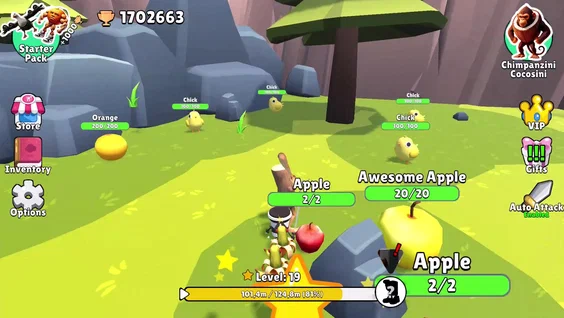
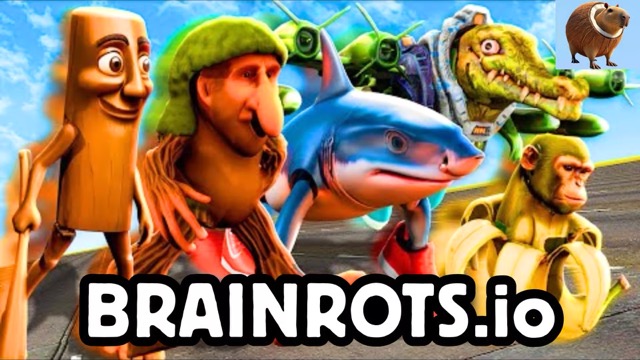
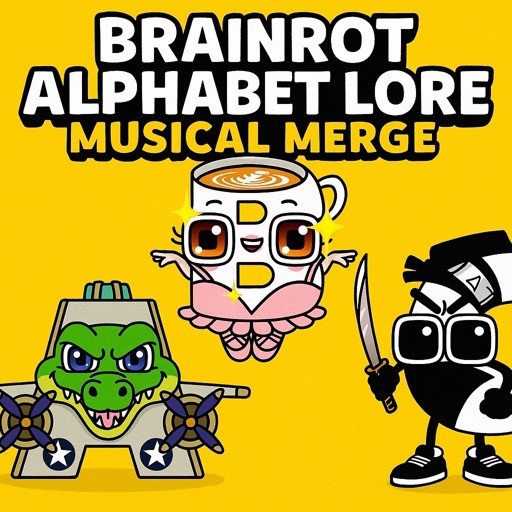
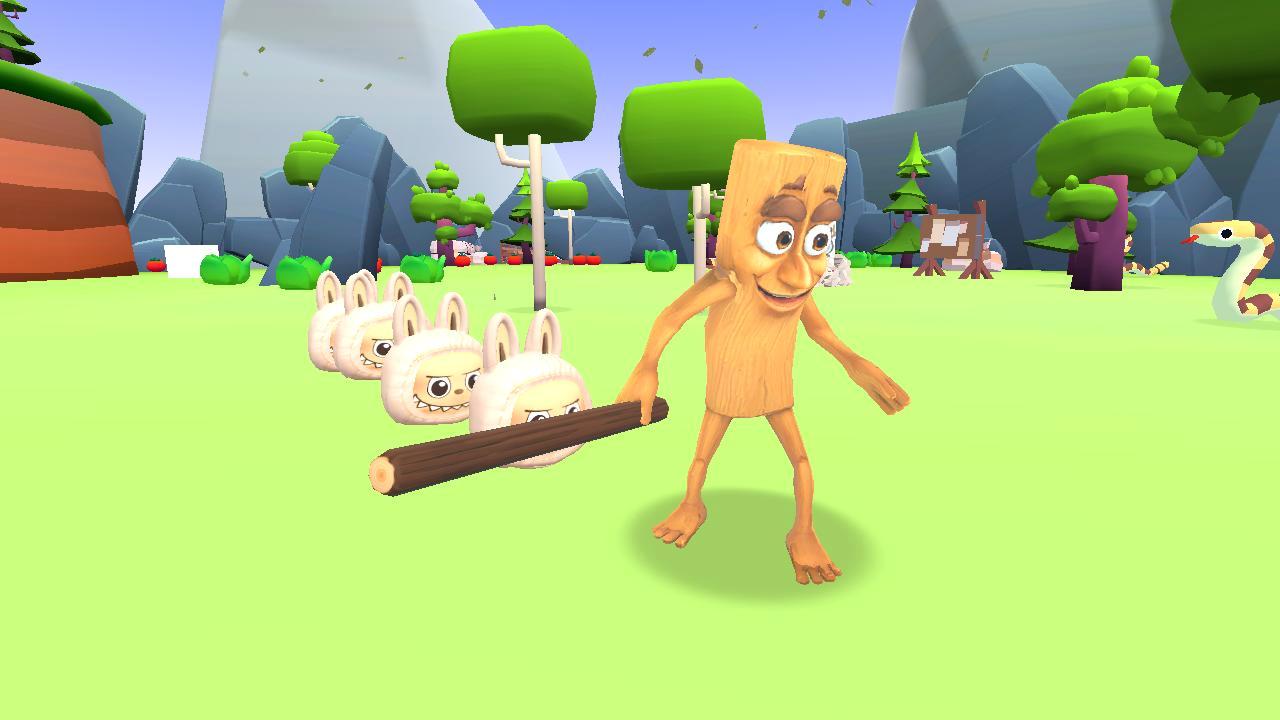
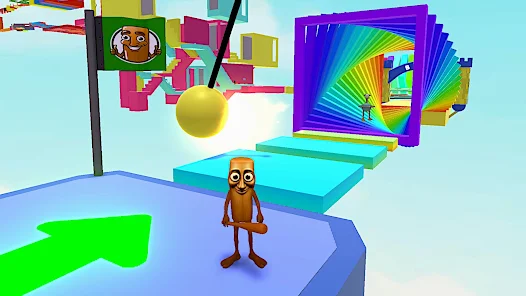
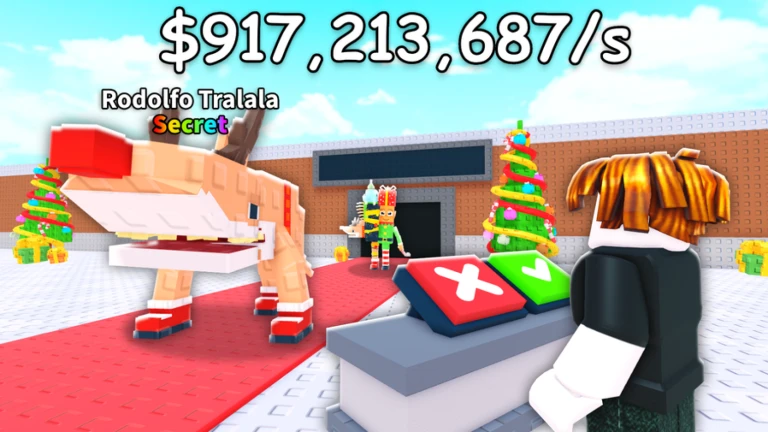
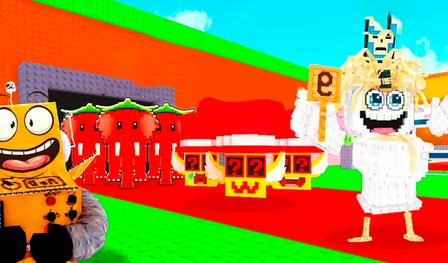
Brainrot Evolution Italian Animals is a chaotic arcade evolution game where players control quirky Italian meme creatures (like Trulimero Trulicina, Boneca Ambalabu), eat fruits/mushrooms to level up, destroy environments for resources, battle enemies, and evolve into powerful forms such as fire-breathing monsters or flying crocodiles in dynamic arenas.
Start as a weak "baby brainrot," grow by devouring items, unlock attacks/pets, and survive increasingly tough challenges in a zero-chill safari of meme absurdity-ideal for quick, addictive sessions blending .io-style growth with Italian brainrot humor.
Brainrot Evolution Italian Animals Online Game Information
- Game Title: Brainrot Evolution Italian Animals
- Game Type: HTML5 / Browser Game / Roblox Variant
- Genre: Arcade / Evolution / Battle / Merge
- Players: Single/Multiplayer (arena-based)
- Controls: WASD / Mouse / Touch
- Average Rating: 4.4 / 5
- Number of Plays: 5M+ (browser + app variants)
What Is Brainrot Evolution?
Core loop: Eat -> Grow -> Evolve -> Fight in vibrant arenas.
Collect fruits, mushrooms, tomatoes for XP/size boosts. Destroy trees/crates (left-click) for hidden resources. Level up to new meme forms with unique attacks (fire-breath, charge). Battle small enemies to giant bosses; capture pets (E key) for buffs (speed/damage). Merge mechanics in puzzle variants (2048-style) to fight evil Brainrots. Explore forests, caves, traps; adapt strategies from stealth to aggressive.
How to Play Brainrot Evolution
Spawn as basic creature in arena. Move (WASD/arrows) to eat scattered food. Attack (left-click) objects/enemies for XP. Interact (E) with items/pets for boosts. Evolve automatically on level-ups; use new abilities.
Brainrot Evolution Italian Animals Online Controls Overview
Action PC Mobile/Touch Move WASD / Arrows Joystick/Swipe Attack Left Mouse Tap Interact E Tap/Hold Run Shift (optional) Run Button
Brainrot Evolution Italian Animals Online Gameplay Mechanics Explained
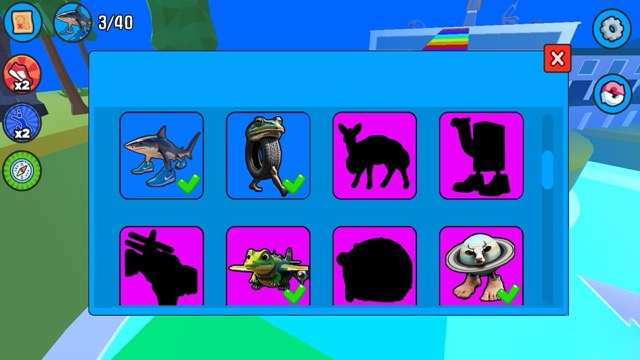
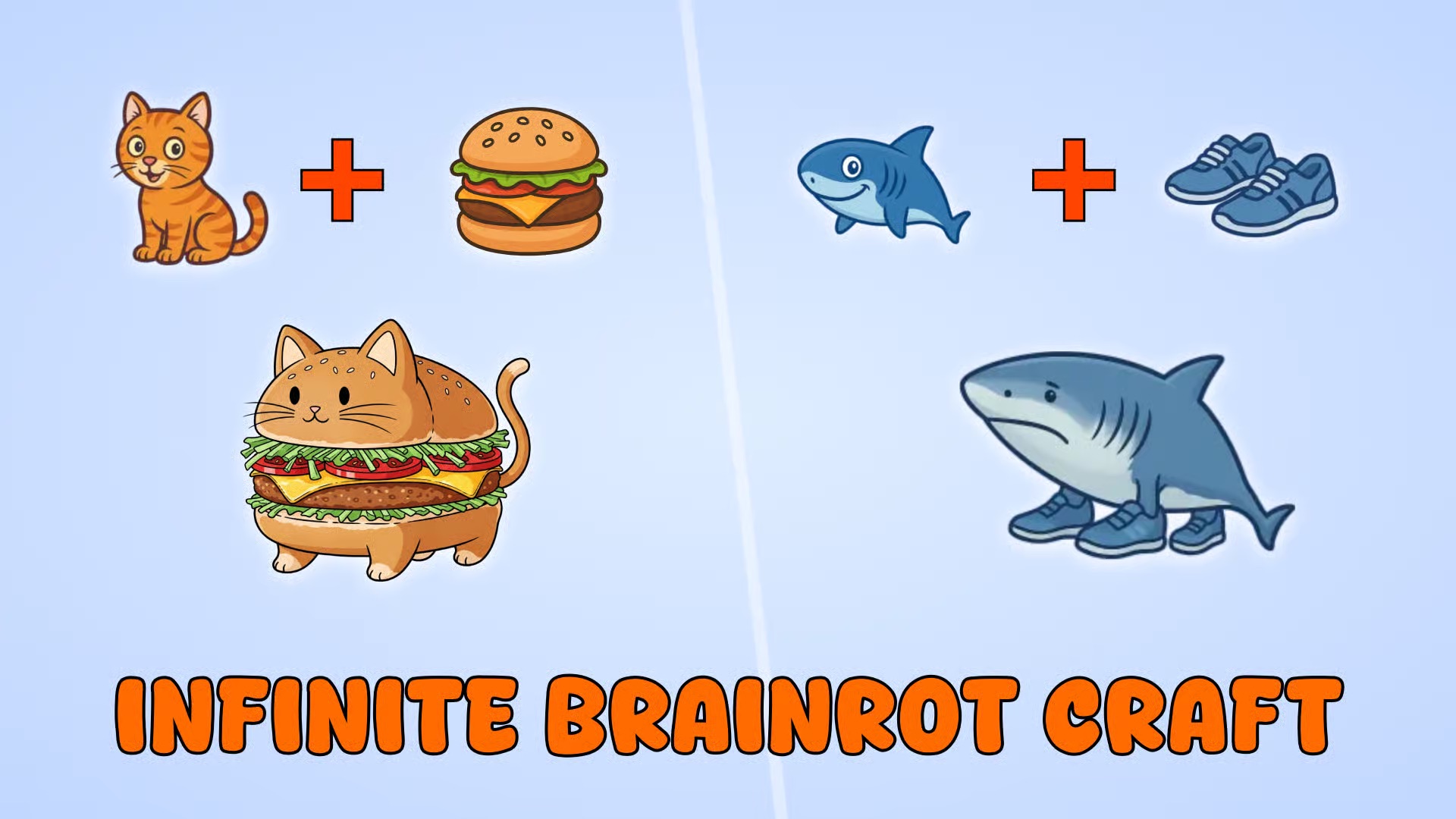
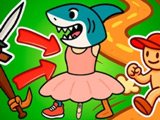
- Evolution Path: Baby -> Mid-forms -> Max meme monsters (e.g., shark in shoes).
- Resources: Fruits/mushrooms = XP; destructibles = extras.
- Pets: Passive buffs; combine for strategies (power-up + range attack).
- Combat: Match enemy strength via merges (app version); arena PvE/PvP.
- Arenas: Procedurally challenging with traps/firewalls.
- Merge 2048 Twist (mobile): Swipe identical animals to evolve, battle nether enemies.
Brainrot Evolution Italian Animals Online Game Features
- Italian Brainrots: Tung Tung Tung Sahur, Tric Trac Barabum, Giraffa Celeste, Burbaloni & 20+ more
- Dynamic evolution with attacks/pets
- Arena battles vs enemies/bosses
- Browser + offline mobile (no WiFi needed)
- Vibrant graphics, meme sounds, endless levels
Brainrot Evolution Italian Animals Online Tips & Strategies for Max Evolution
- Destroy everything early for fast XP.
- Capture speed pets for better positioning.
- Save power-ups for bosses.
- Merge strategically (2048): Avoid blocks, target enemy power.
- Adapt per arena: Stealth in traps, aggressive in open.
- Grind wins for pet unlocks.
Is Brainrot Evolution Suitable for Kids?
Yes, casual fun with cartoonish meme violence-no gore, perfect for all ages despite chaotic humor.
Can You Play Brainrot Evolution on Mobile and Desktop?
Yes: Instant browser play (no download); mobile app (Google Play) with offline mode. Cross-platform seamless.
Brainrot Evolution Italian Animals Online Frequently Asked Questions
Free to play? Yes, fully free (browser/app).
How to evolve fast? Eat/destroy non-stop; interact with specials.
Roblox version? Yes, official with weekly updates, pets/wins.
Merge or battle focus? Both-arcade battle primary, 2048 merge in apps.
Play More Free Online Games Like Brainrot Evolution Italian Animals Online
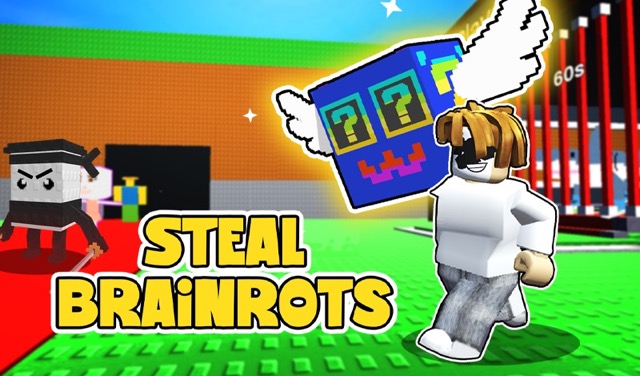
If you enjoyed Brainrot Evolution, try Italian Animals Meme Playground or Steal a Brainrot on stealbrainrot.app for more meme chaos.
- Plants vs. Zombies: Replanted - Play & Demo Online for Free
- Plants vs. Zombies: Replanted is the fully remastered 2009 tower defense classic, featuring HD graphics, the original lane-based gameplay of planting Sunflowers/Pea Shooters to fend off zombie waves, plus new modes like local co-op/PvP, roguelike Rest in Peace permadeath, and Cloudy Day weather challenges.
Core loop remains intact: Collect sun -> Plant defenses -> Survive escalating waves across days/nights/minigames, now with 2.5x speed-up, bonus levels, and multiplayer twists for endless replayability across platforms.
Plants vs. Zombies: Replanted Game Information
- Game Title: Plants vs. ZombiesTM: Replanted
- Game Type: PC / Console / Browser Demo (Steam/Epic)
- Genre: Tower Defense / Strategy / Multiplayer
- Players: Single / Local Co-op (2) / Local PvP (2)
- Controls: Mouse / Controller / Touch
Platforms Steam / Epic / Xbox / PlayStation / Switch
Release 2025 (remaster)
Price Paid ($TBD); free demos available
What Is Plants vs. Zombies: Replanted?
- Simplified tower defense: Defend lanes from right-to-left zombie hordes using offensive/defensive plants on a grid.
- Classic Campaign: Adventure mode with ramping difficulty, now toggleable RIP Mode (roguelike permadeath; restart from Day 1 on loss, pre-selected seeds).
- New Modes: Cloudy Day (weather blocks sun production; halved seed costs/reloads during clouds).
- Multiplayer: Local co-op (team defense, resource competition) / PvP (control zombies vs. opponent).
- Extras: Minigames (Wall-Nut Bowling, Air Raid), speed-up button (up to 2.5x), new bonus levels.
- No radical changes-preserves smart, balanced original formula.
How to Play Plants vs. Zombies: Replanted
Gather sun (Sunflowers) or drops from zombies. Click seed -> Click lawn to plant (no drag-drop).
- Manage lanes: Spread shooters (Pea Shooter/Repeater), traps (Wall-Nut), economy.
- Adapt waves: Bucketheads, flying zombies, night pools require strategy.
- Speed up (button) for faster pacing; slow for precision.
Plants vs. Zombies: Replanted Controls Overview
Action PC/Mouse Controller Mobile (Demo) Plant Click seed -> Click spot A on seed -> A on lawn Tap seed -> Tap spot Dig Up Click plant X Tap & hold Speed Up Button (1x/2.5x) D-Pad Speed icon Pause Esc Menu Pause button
Plants vs. Zombies: Replanted Gameplay Mechanics Explained
- Sun Economy: Sunny drops (25 sun), Sunflowers (passive); clouds disable them-stockpile/prep.
- Plants: Pea Shooters (lanes), Cabbage-pults (over obstacles), limited impactful choices.
- Zombies: Varied (basic, armored, aerial); bunching countered by bombs.
- RIP Mode: Hardcore Adventure toggle; permadeath, Crazy Dave seeds only.
- Multiplayer: Local only (co-op build/share; PvP zombie control); chaotic resource fights.
- Speed-up transforms pacing-early fast, mid normal, late turbo.
Plants vs. Zombies: Replanted Game Features
- HD remaster of original + new secrets/minigames
- Local co-op/PvP (2-player chaotic defense/zombie control)
- Cloudy Day dynamic weather/resource management
- Rest in Peace roguelike permadeath
- 2.5x speed-up QoL
- Bonus levels (art puzzles, Air Raid, coin farms)
Plants vs. Zombies: Replanted Tips & Strategies for Victory
- Plant 3+ Sunflowers early for economy.
- Spread defenses across lanes/columns; Repeater > single Pea Shooter.
- Prep Cloudy Day: Stock sun, use cheap seeds in clouds.
- RIP Mode: Master seeds provided; high stakes = tense adaptation.
- Multiplayer: Co-op economy split (one Sunflowers, one shooters).
- Speed-up early waves, normal for zombie bunches.
Is Plants vs. Zombies: Replanted Suitable for Kids?
Yes, all-ages comedic tower defense (ESRB E10+ equivalent); cartoon violence, no gore-family-friendly nostalgia.
Can You Play Plants vs. Zombies: Replanted on Mobile and Desktop?
Desktop/Console: Full via Steam/Epic/Xbox/PS/Switch. Browser/Mobile: Free demos on Epic/Steam; full local multiplayer couch play (no online confirmed).
Plants vs. Zombies: Replanted Frequently Asked Questions
Free to play? Demos free; full game paid download.
Online multiplayer? Local only (co-op/PvP); no online yet.
RIP Mode unlock? After Adventure completion.
Drag-drop planting? Click twice (seed -> lawn).
Speed-up always on? Toggle anytime; speeds sun collection too.
Play More Free Online Games Like Plants vs. Zombies: Replanted
If you enjoyed Plants vs. Zombies: Replanted demos, explore tower defense classics or Roblox simulators like Steal a Brainrot on stealbrainrot.app.